
Description
DHXART · DESIGN ONLINE · PRINTED IN THE UK
Custom rectangle stickers for clear product labels
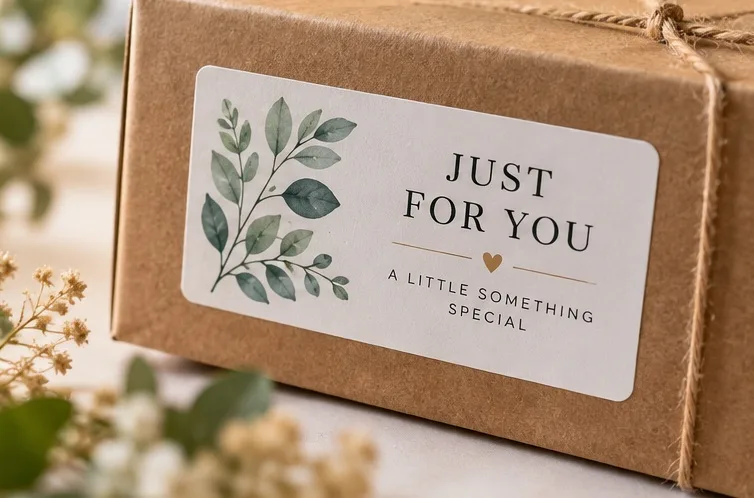
Custom rectangle stickers give information a clear place on the package, offering a practical layout for brand names, product details, addresses and personalised messages, with proportions you can adjust in DHXart Studio.
Your shape & size
Choose dimensions that suit your design and packaging.
Your own design
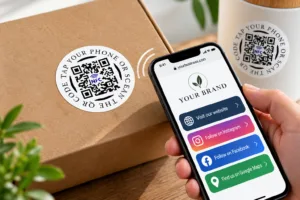
Add artwork, text or a QR code and check the preview.
A choice of finishes
Select the material that suits how you will use your stickers.
Where custom rectangle stickers work well
Use a wide rectangle for a brand name, address or packaging seal, or a taller layout for a short block of product information. Build a clear reading order with your main message first. If your label needs regulated information, you are responsible for supplying the correct wording and checking its legibility.
Choosing your rectangle sticker size
Set the width and height independently. A 90 × 35 mm rectangle is 90 mm wide and 35 mm high. Choose dimensions supported by DHXart Studio and check the final orientation and available text space in the preview.
Measure your packaging first. Leave room around text and artwork so the design feels clear at its actual printed size. If you include a QR code, allow a clear border and test the destination; detailed codes may need a larger label.
Choose your sticker material
DHXart Studio offers eight finishes. Choose for the surface, appearance and exposure your stickers will need:
- Basic Matte: a smooth, non-reflective paper finish for dry indoor use.
- Basic Glossy: a shiny paper finish with vibrant colour, for dry indoor use.
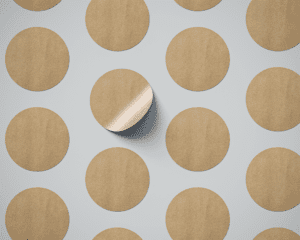
- Kraft Brown: a recycled brown paper look with a natural finish; splash-resistant.
- Waterproof Matte: a waterproof option with a non-reflective finish.
- Waterproof Glossy: a waterproof option with a shiny finish.
- Transparent: a clear finish that lets the surface beneath show through.
- Transparent Waterproof: a clear waterproof finish.
- Durable Laminated: a protective laminated finish for more demanding applications.
Basic paper finishes are not waterproof. On transparent stickers, white areas are left unprinted so the clear material shows through. A transparent PNG is optional; artwork with a white background is also suitable. White text and white design elements will remain clear, not print in white. The surface beneath the sticker affects how its colours appear. Apply labels to a clean, dry, smooth surface and check suitability for your intended use.
How to design and order
DHXart Studio is simple and friendly to use. Create your own stickers in a few easy steps — no design experience or technical knowledge needed.
- Choose your options. Open DHXart Studio, check your rectangle shape, then select the size, material and number of stickers.
- Make it yours. Add your artwork, text or QR code. Review the design at your chosen size and check spelling, alignment and links.
- Review and order. Check the final preview and calculated price, then continue to your basket and checkout. Sign in when prompted to save and order your design.
Quantity and price
Choose how many stickers you need. DHXart Studio calculates your price from the size, material and quantity, so you can check it before ordering. Use one design per item; to order another design, add it separately to your basket.
Standard production: normally 2–5 working days, Monday to Friday. Delivery time is separate; available services and charges are shown at checkout. Please check all artwork and personalisation before accepting your design.
Start designing your rectangle stickers · Artwork preparation guide · Ask DHXart a question
Adding a QR code to rectangle stickers
Including a QR code in your label? Our QR code sticker size guide explains clear margins, scan reliability and contrast at the final printed size.

Reviews
There are no reviews yet.