
Use DHXart QR code generator to create a QR code for your website, contact details, Wi-Fi network or event. Personalise its colours, shapes and centre logo, then check the live preview.
How to create your QR code
- Choose a content type and enter your details.
- Choose colours and shapes. Add a PNG, JPG or WebP logo if needed, and select a transparent or coloured background behind it.
- Preview and scan the code. When free customer downloads are enabled, sign in or register for a DHXart account to download PNG, SVG or PDF. Guests can design and preview a QR code without downloading.
- Scan the exported file and a sample printed at its final size before using it.
Choose the right QR content
Choose from 60 static QR types, organised into searchable groups: website and text; contacts and messaging; social profiles; business and reviews; maps, events and apps; files and media; payment links; and custom encoded data.
Options include Google reviews, WhatsApp, Telegram, Signal, Messenger, Discord, FaceTime, vCard and MeCard, 14 social platforms, addresses and directions, calendar events, app listings, PDF and multimedia links, booking pages, menus and payment-provider links. Email supports a subject and message; Wi-Fi supports hidden networks; contact cards have more address details; events can be timed or all-day.
File, media, booking and payment options encode your existing links; this generator does not upload or host files, create appointments or process those linked payments. Wallet URI options preserve a request created by your wallet and check its URI syntax only; they do not verify an address, invoice signature or balance. The person scanning must verify a payment request in their own wallet. Static QR content cannot be changed after printing.
Logo backgrounds and file formats
The transparent logo option clears the reserved area behind your centre logo. It does not remove a background already contained in an uploaded image. Use a transparent PNG or WebP logo for that effect. PNG and SVG support transparency; PDF uses a white page. SVG preserves vector detail, while PDF is prepared as a 300 DPI image at your chosen width.
Dark QR modules on a plain light background provide the best starting point. Decorative shapes, gradients and logos need checks on your intended phones and printed material. Keep the clear margin around the code.
Want your QR on a sticker?
Open DHXart Design Studio to create your QR directly in a sticker design. The QR tool inside Sticker Studio adds and edits the QR in your project; standalone QR file downloads are available only from this dedicated generator, subject to the current download settings.
QR code questions and printing tips
Can I add my logo?
Yes. Add a PNG, JPG or WebP logo to the centre, choose its size and check the preview. A logo reduces the available space for QR data, so always test the final code with more than one phone before printing.
Are the QR codes static or dynamic?
This tool generates static QR codes. The information is encoded in the QR itself, with no DHXart redirect, tracking or expiry. A URL encoded in a static QR can still stop working if the destination website changes or closes.
What size should I print my QR code?
There is no universal minimum for every design. Scannability depends on encoded content, contrast, material and scanning distance. Keep the required clear border around the code and scan a sample at its actual printed size before ordering.
DHXart.com · Printed in the UK
Turn your QR code into something customers can scan
Made a QR code? Put it on personalised stickers, waterproof labels, business seals or smart NFC products. Choose your size, finish and quantity in our shop. Prefer your own design? Sign in, download your QR file for free and upload it where the product supports artwork uploads.
Explore DHXart QR products
Browse six personalised QR products below. Swipe left or right on your phone, or scroll horizontally on your computer to explore more. Photos and prices update automatically from our shop.
-
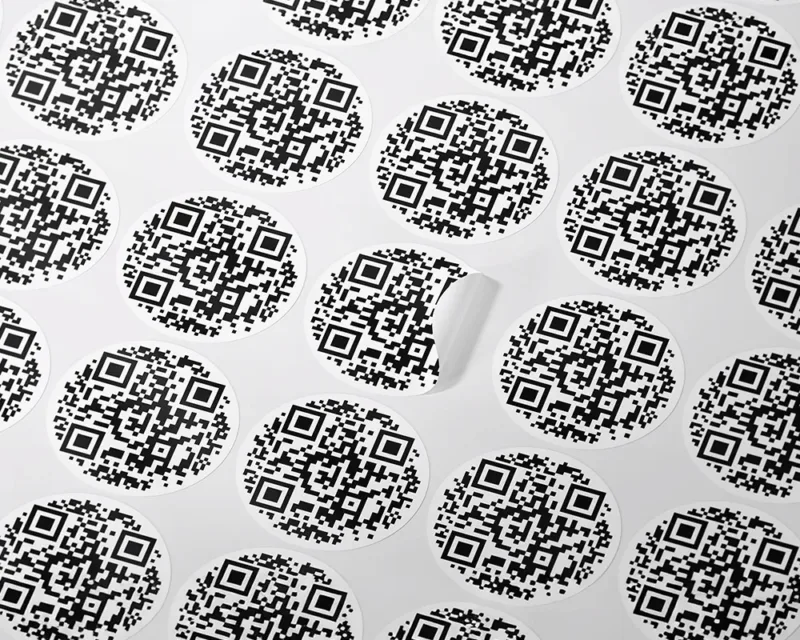
Custom QR code labels, Round QR code stickers
Price range: £0.99 through £1.20Base price per sheet. Material added after selection. Select options This product has multiple variants. The options may be chosen on the product page -

Custom QR Code Stickers – Smart QR Labels
£0.99 Select options This product has multiple variants. The options may be chosen on the product page -
Sale!
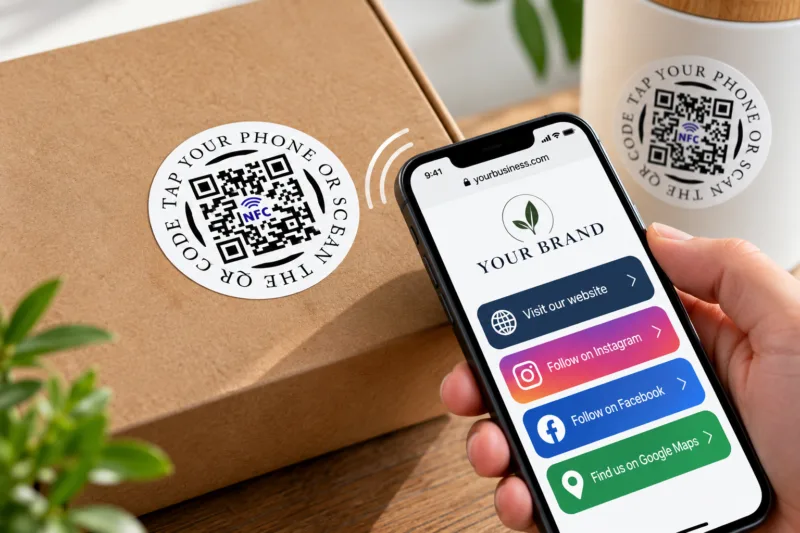
Smart NFC with QR Code Stickers
Price range: £3.00 through £1,050.00 Select options This product has multiple variants. The options may be chosen on the product page -
Sale!

Smart Custom QR Code Magnets, QR Code Magnetic Labels
Price range: £4.99 through £5.20 Select options This product has multiple variants. The options may be chosen on the product page -

QR Code Stickers with Logo or any Text, Custom Smart QR Code Labels
Price range: £1.20 through £6.40 Select options This product has multiple variants. The options may be chosen on the product page -

Custom Box Seal Stickers with your business logo, business name and QR code
Price range: £2.25 through £13.50 Select options This product has multiple variants. The options may be chosen on the product page
Not sure what to order? See the complete QR & NFC range or read our QR sticker size guide. Creating a QR code is free; product prices depend on your chosen size, material and quantity.